Diablo Error Code 75 – fix one of Diablo 4's biggest issues
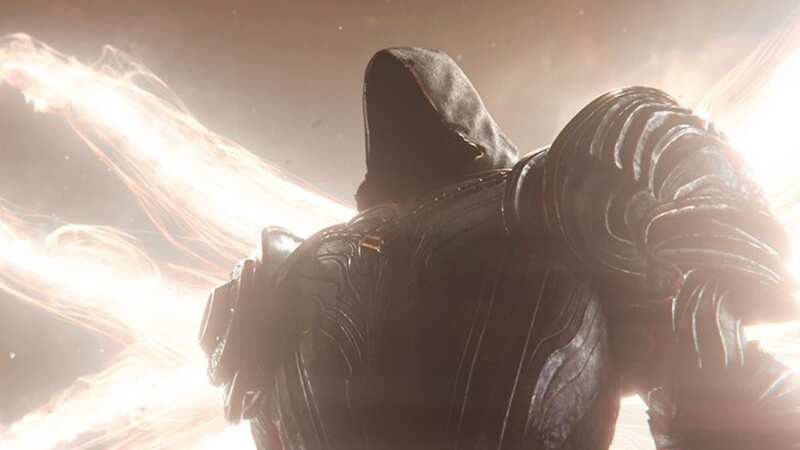
Some Diablo 4 players are having trouble with the dreaded Error Code 75 which is listed as an account authentication issue. We've got all the important info about what this error is and how to fix it.
Diablo 4 's first major update arrives this week and brings Diablo 4 Season 1 along with it. While the Barbarian nerf is annoying, an even more annoying issue is afflicting players trying to head into Sanctuary by stopping the game from loading up entirely. Error Code 75 has been reported by many players, and considering the message alongside it 'There was a problem authenticating your account' doesn't really tell you much it can be hard to figure out what's wrong.
We've got the details on what Error Code 75 actually means, and how you can fix it on PC, Xbox, and PlayStation so no one will have to deal with Sanctuary's biggest threat (outside of Lilith of course) and can get working towards the Diablo 4 Battle Pass
What is Error Code 75 in Diablo 4
Error Code 75 in Diablo 4 comes with the message 'There was a problem authenticating your account', the description makes it sound like there's something wrong with your Battle.net account; but don't worry, it's far simpler than that.
Error Code 75 actually has to do with an outdated client. Because Diablo 4 is always online you'll need your version of the game to match the version that the servers are tuned to.
 Why Star Wars Jedi: Survivor's six week delay is a good thing
How to fix Error Code 75 in Diablo 4
So now that we know that it's to do with an outdated client, actually fixing the issue is very easy. We'll run down how to sort it on each platform the game is available.
PC
On PC you're going to want to head to the Battle.net client and follow these steps:
- Select Diablo 4 in your Battle.net client
- Click the button with the gear icon next to the Play button
- Select 'Check for Updates' from the drop-down menu
You should get an update queued up, and once that's downloaded simply boot up the game again and your problem should be fixed.
PlayStation
On PS5 and PS4 you'll need to close off Diablo 4 and head back to the home screen and follow these steps:
- Head to the Diablo 4 icon on your home screen
- Click the options button on your controller
- Select 'Check for Update' from the drop down menu
You should get an update notification. Once the update is finished head back onto Diablo 4 and things should be sorted once again.
Xbox
For players on Xbox Series X|S and Xbox One close off Diablo 4 follow these steps:
- Head to 'My Games and Apps'
- Select Manage
- Select Updates
- If a Diablo 4 update is available it should be there, select Diablo 4 and the update should begin automatically
Once the update is finished restart Diablo 4 and you should be able to get back into the game without issue. Time to head back into Sanctuary and take the fight to Lilith's hordes.
Read more similar news:
Comments:
comments powered by Disqus