25 August 2023 , 10:19
1333
0
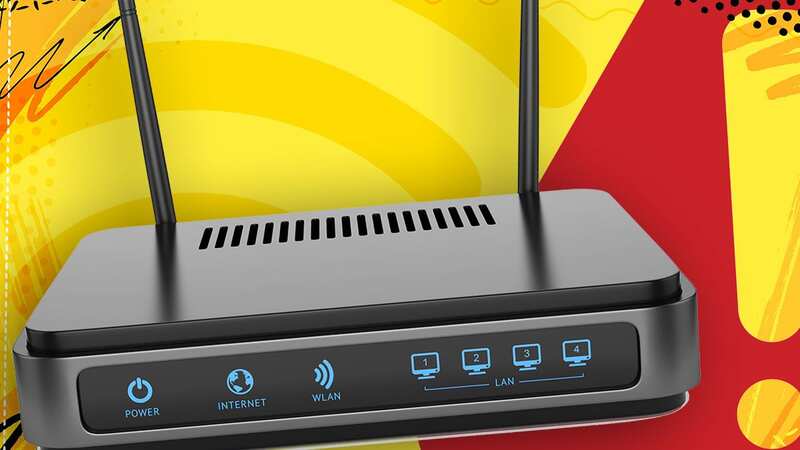
Energy prices may be coming down but many of us are still looking for ways to slash our bills. Of course, one way to cut down on the monthly electricity usage is to turn off devices such as TVs and gaming consoles but one thing you definitely need to leave firmly switched on is your Wi-Fi router.
That’s the latest advice from Internet Service Provider (ISP) TalkTalk who says hitting the power button can wreak havoc and stop vital updates being installed on this broadband boosting device.
“It’s recommended to always leave your router online even overnight,” TalkTalk’s Martin Wren-Hilton, explained. “Internet providers send important updates to your router regularly to keep it in top shape.”
If the device is off the upgrades won't be delivered which not only means missing out on new features and speed boots but also important security changes.
Along with not getting upgrades, there is another reason why keeping the router connected is vital. Constantly switching things off and on again can fool your ISP into thinking that there’s a problem with your line.
 Shop prices 'are yet to peak and will remain high' as inflation hits new heights
To keep you connected, firms may then put emergency speed restrictions in place so you don’t go offline. This means despite nothing being physically wrong with your broadband you’ll suddenly face much slower speeds.
"Constantly switching off the hub makes the line look unstable, meaning that your speed may be automatically reduced to improve the reliability of your broadband connection," BT explains on its help pages.
By tapping the off switch you will save yourself a bit of energy each night but your broadband may suffer in return.
Should you never switch off your broadband?
Although turning things off all night is bad for speeds, a quick reboot once a month can work wonders for your internet connection. Routers can get clogged up with digital mess and a quick reset can clear up any bugs or glitches.
To reset your router, simply turn off the power, wait around a minute then switch it back on again.
It can take around 5 to 10 minutes for the reboot to complete but it’s worth doing - just check nobody is in the middle of an important work Zoom call before pulling the plug.