Little-known iPhone timer hack to help you fall asleep
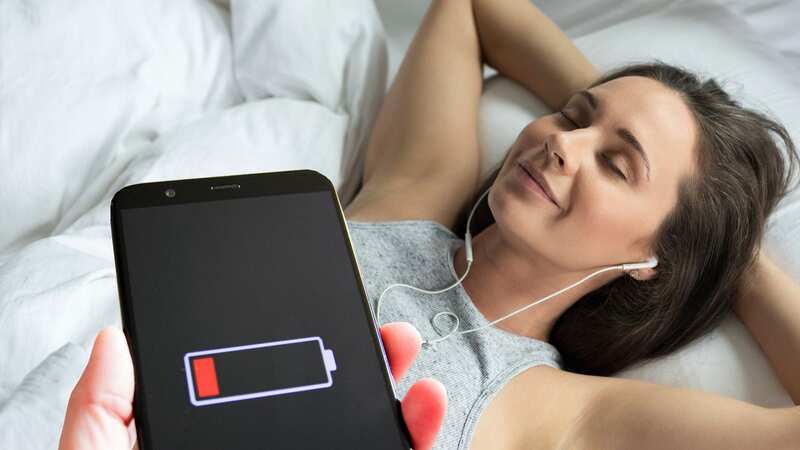
Hands up who has trouble falling asleep these days? That'll be most of us, which is why so many use their phone to listen to music, white noise or podcasts to catch those all-important Zs. While this can be highly effective as it gently relaxes the mind, it can lead to waking up the next day with a phone with little remaining battery.
Many people opt to charge their phone through the small hours, but this can be dangerous as it can make your device overheat - particularly if playing media for hours on end, says Isabelle Bild from Gaming Gadgets. So what's the answer, then? Well the iPhone actually has an inbuilt feature that many of us don't know about.
Isabelle said: "Just as televisions or streaming services can knock themselves off when they think no one is watching, the iPhone can do this too by manually setting a timer on your phone. You don't have to worry about the timer going off and waking you up either as you can make the timer finish silently and turn off your media."
How to set the timer
The iPhone has many built-in features and one we have all used is the clock app, which has the ability turn off your media.
 A twitching eye can sometimes be serious - signs, symptoms and when to see a GP
"At the bottom of the clock app you will see four options, world clock, alarm, stopwatch and timer. Click on the timer to set it. Typically people use the timer function for cooking but you can also use it to fall asleep. If you are using your timer to stop playing your songs or podcasts you will need to set it for a reasonable amount of time so that you can fall asleep and not waste too much of your battery either, this could be anywhere from 7 to 30 minutes."
"When you have set the time limit, you will see underneath the option that says 'when timer ends', click on this, scroll to the bottom and select the option that says stop playing. If you don't do this, your timer will go off and play an alarm and wake you." says Isabelle.
You will then need to click the option on the screen that says set, this will take you back to the main timer page where you can then click to start the countdown. When the countdown hits zero it will stop playing any media that you are listening to when trying to fall asleep.
What apps will this hack work on?
Some apps such as Spotify have inbuilt sleep timers so you don't have to worry about turning your phone off or running down your battery, but for those that don't this can help.
Isabelle said: "You may listen to music or white noise on YouTube, or you may listen to podcasts through the iPhone podcast app, for those apps that don't have sleep timers this will help in those situations. To fall asleep you will need to be relaxed, and worrying about your phone overheating is a quick way of keeping you up all night."
*Don't forget the clocks go back at 2am on October 29
Read more similar news:
Comments:
comments powered by Disqus